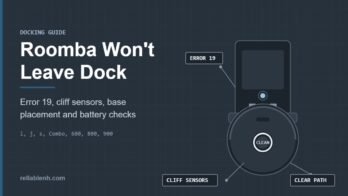
If your Roomba won't leave dock after you press CLEAN, check three things in order: whether the light ring is pulsing red (the battery is still too low to start), whether the robot announces Error 19 (it cannot undock, usually because of clutter or a cliff sensor reading near the … [Read more...] about Roomba Won’t Leave Dock: Error 19 and Undocking Fixes
Roomba Vacuum
Roomba Red Light on Base: Clean Base and Home Base Fixes
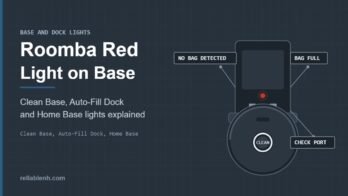
A Roomba red light on base units usually comes from a Clean Base: a solid red LED means the dirt disposal bag is full or the base cannot detect the bag. Replace the bag, slide its card fully into the guide rails, close the lid firmly and check the evacuation port for a clog. On … [Read more...] about Roomba Red Light on Base: Clean Base and Home Base Fixes
Roomba Error 43: Virtual Wall, Dock and Keep-Out Fixes
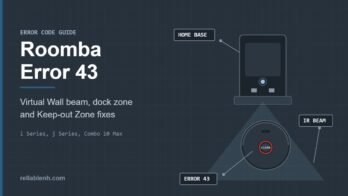
Roomba Error 43 means the robot is in a spot it has been told to avoid. On an i Series it is stuck in the infrared beam of a Virtual Wall or the Home Base; on a j Series or Combo 10 Max it started a job inside a Keep-out Zone, including the small zone the robot sets around its … [Read more...] about Roomba Error 43: Virtual Wall, Dock and Keep-Out Fixes
Roomba Error 15: What It Means and When to Reboot
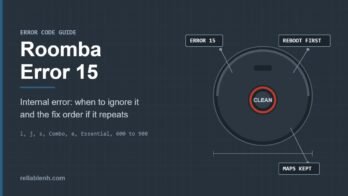
Roomba Error 15 means the robot had an internal error and recovered from it on its own; iRobot says no troubleshooting is needed when it happens once, and it is expected right after the battery has been removed and reinstalled. Press CLEAN and carry on. If Error 15 appears on … [Read more...] about Roomba Error 15: What It Means and When to Reboot
Roomba Error 14: Bin Not Detected and How to Fix It
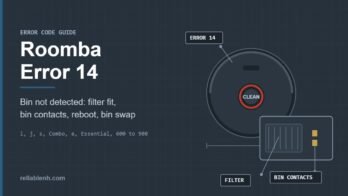
Roomba Error 14 means the robot cannot detect its dust bin. Take the bin out, check that the filter is clean and fitted the right way, push the bin back in until it clicks, then press CLEAN. If the error returns, wipe the metal contacts on the bin and inside the robot with … [Read more...] about Roomba Error 14: Bin Not Detected and How to Fix It